
ICSE 10th , ISC Result 2019 - Direct link to check result
Jasleen Kaur Taneja | May 7, 2019 | 02:26 PM IST | 1 min read

ICSE Specimen Question Paper 2026
Download the ICSE Specimen Question Paper 2026 to understand exam pattern, practice key questions, and enhance your preparation for the upcoming board exams.
Download Now
NEW DELHI, MAY 7 - CISCE will release the ISC 12th and ICSE 10th result 2019 today at 3 pm on the official website - www.cisce.org. The direct link to check the result has been provided below. Students can click on the same and enter their Index number, UID and the Captcha code (as required) to check the result. The result mentions the student’s name, roll number, marks obtained, qualifying status and more.
ICSE Class 10th 2026 QP's: Hindi | Maths | Physics | Chemistry | History & Civics | Geography
ICSE Class 10th 2026 Answer Key: English- Paper 2 | Hindi | Physics | Chemistry | History & Civics | Geography
ICSE 2026 Class 10th: Admit Card PDF | Time Table PDF
Don't Miss: Best Courses after 10th | Competitive Exams after 10th
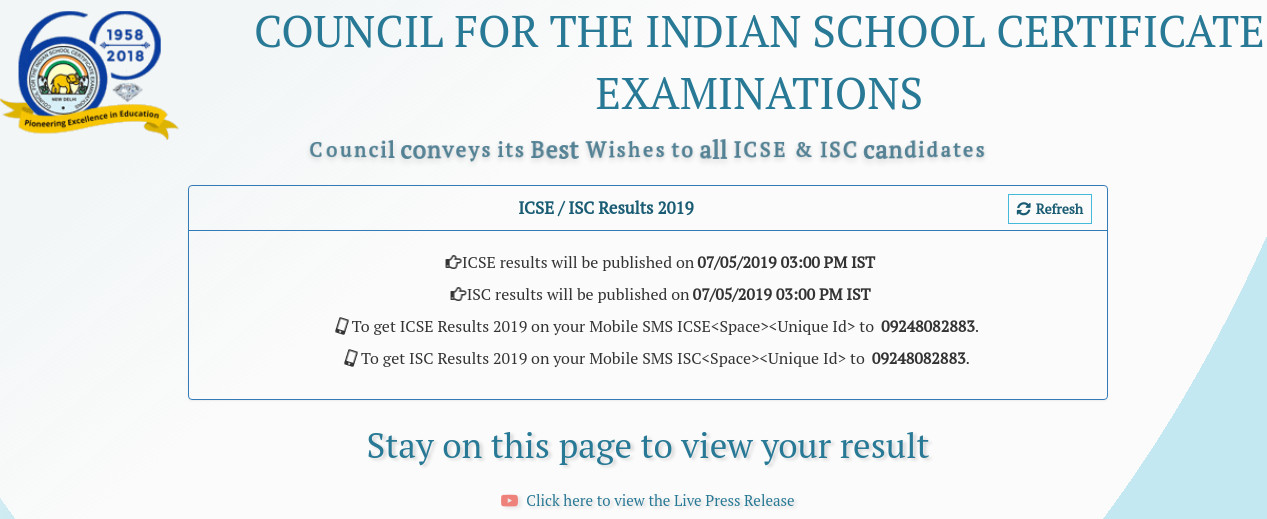
This is what the official link currently shows. It’ll be updated as soon as the result is released.
Here’s how to check ICSE, ISC result 2019-
Visit the official links: www.cisce.org or results.cisce.org
Click on 'Results 2019'. The login window will appear on the screen.
Select 'ICSE/ISC' from the drop-down list of course.
Enter the Index number, UID and the Captcha code as required
Click ‘Show Result’
Take a printout of the same.
Students can check their results via SMS too. All that is required is to send a message in the format given:
For ICSE-
Type ICSE<Space><Seven digit Unique Id> and send it to 09248082883
For ISC-
Type ISC<Space><Seven digit Unique Id> and send it to 09248082883
 Add as a preferred source on google
Follow us for the latest education news on colleges and universities, admission, courses, exams, research, education policies, study abroad and more..
To get in touch, write to us at news@careers360.com.
Latest Education News
]


