
Samastha Kerala madrasa result 2026 released at samastha.in; 8708 students get topper grade
Aatif Ammad | March 4, 2026 | 01:10 PM IST | 2 mins read
1,66,840 students appeared across 6,432 centres; 1,60,945 qualified with pass percentages above 95% in all classes.
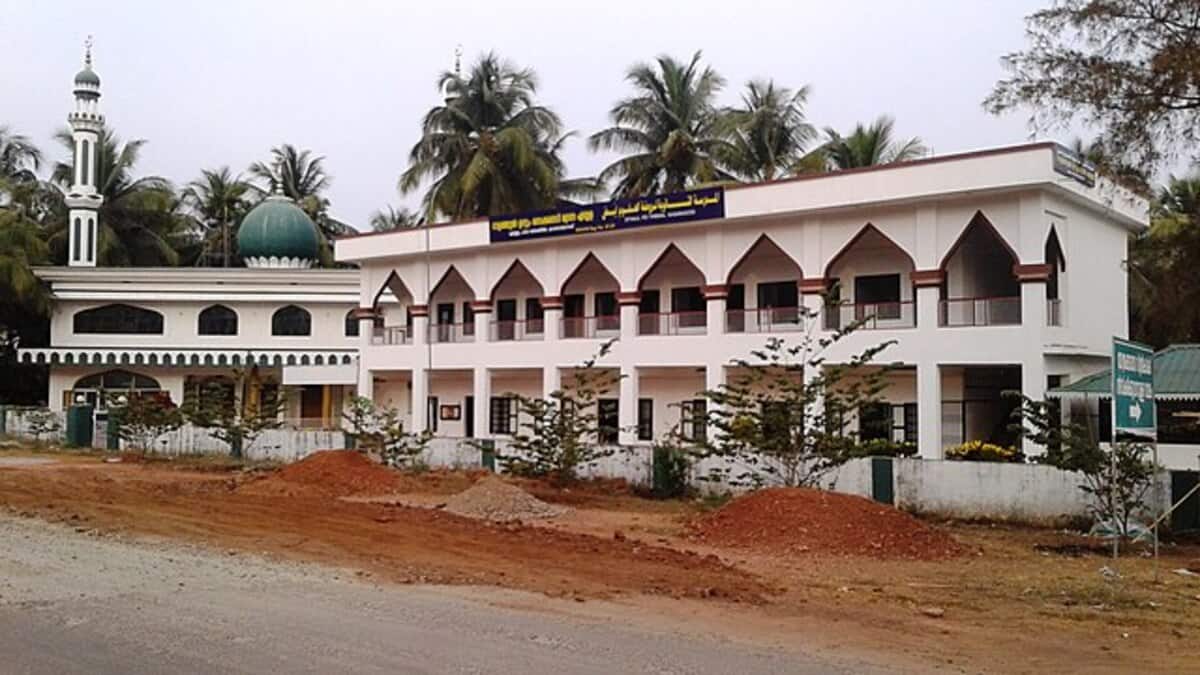
The Samastha Kerala Sunni Education Board (SKSVB) has declared the results of the Madrasa Public Examinations conducted for Classes 5, 7, 10 and 12. Candidates can check their results at board’s official website samastha.in
The examinations were held on January 31 and February 1, 2026, and recorded a strong overall performance. As per the board, a total of 1,66,840 students appeared for the exams across 6,432 centres.
Out of these, 1,60,945 candidates successfully qualified to move on to the next stage of their studies. The large-scale examination process was managed by 8,560 supervisors and 240 superintendents.
Also read Kerala to ban religion-based names for new govt schools, colleges
Pass percentage across classes
The results showed high qualification rates, with each class registering a pass percentage above 95%. The pass percentages remained;
Class | Pass Percentage |
Class 5 | 95.37% |
Class 7 | 97.81% |
Class 10 | 97.43% |
Class 12 | 96.98% |
The results saw a total of 8,708 students securing the “topper grade”, while 402 candidates obtained the “topmost grade”. In addition, the below number of students achieved A+ grades in all subjects.
Class 5: 17,975 students
Class 7: 9,871 students
Class 10: 5,534 students
Class 12: 928 students
The madrasa public examinations were conducted simultaneously across several regions including Kerala, Tamil Nadu, Karnataka, Andaman and Lakshadweep. Evaluation of answer scripts was carried out at 240 divisional camps located in Kerala and Karnataka. The assessment process involved 7,985 assistant examiners along with 363 chief examiners.
How to check Samastha Kerala Madrasa result 2026
Students can access their results online by following the steps below:
Visit the official website of the board at samastha.in.
On the homepage, click on the ‘Results’ or ‘Download Results’ section.
Select the relevant examination category (Class 5, 7, 10 or 12).
Enter your roll number and other required details such as registration number.
Click on the ‘Submit’ option.
The result will be displayed on the screen. Students can download the provisional marksheet and take a printout for reference.
 Add as a preferred source on google
Follow us for the latest education news on colleges and universities, admission, courses, exams, research, education policies, study abroad and more..
To get in touch, write to us at news@careers360.com.
Next Story
]Latest Education News
]Related News
]Board Exam Time Table 2027: TN 10th, 12th, AP Inter date sheets out; TS, CBSE, RBSE, JKBOSE schedule soon
CBSE Board Exam Dates 2027 LIVE: Class 10, 12 subject-wise timetable soon at cbse.gov.in; passing marks
Delhi schools to set up medical rooms with provision for menstrual health needs of girls


