
TN HSC Class 12 result 2026 declared; Tamil Nadu board releases marksheets at tnresults.nic.in for 8 lakh
Aatif Ammad | May 8, 2026 | 09:35 AM IST | 1 min read
TN 12th result link activated; students can check marks via website, DigiLocker and SMS, report errors to schools immediately

Tamil Nadu Class 12 Previous Year Question Papers
Ace your Tamil Nadu Class 12 board exams with previous years' question papers. Practice real exam questions, improve speed, and boost your scores.
Download Now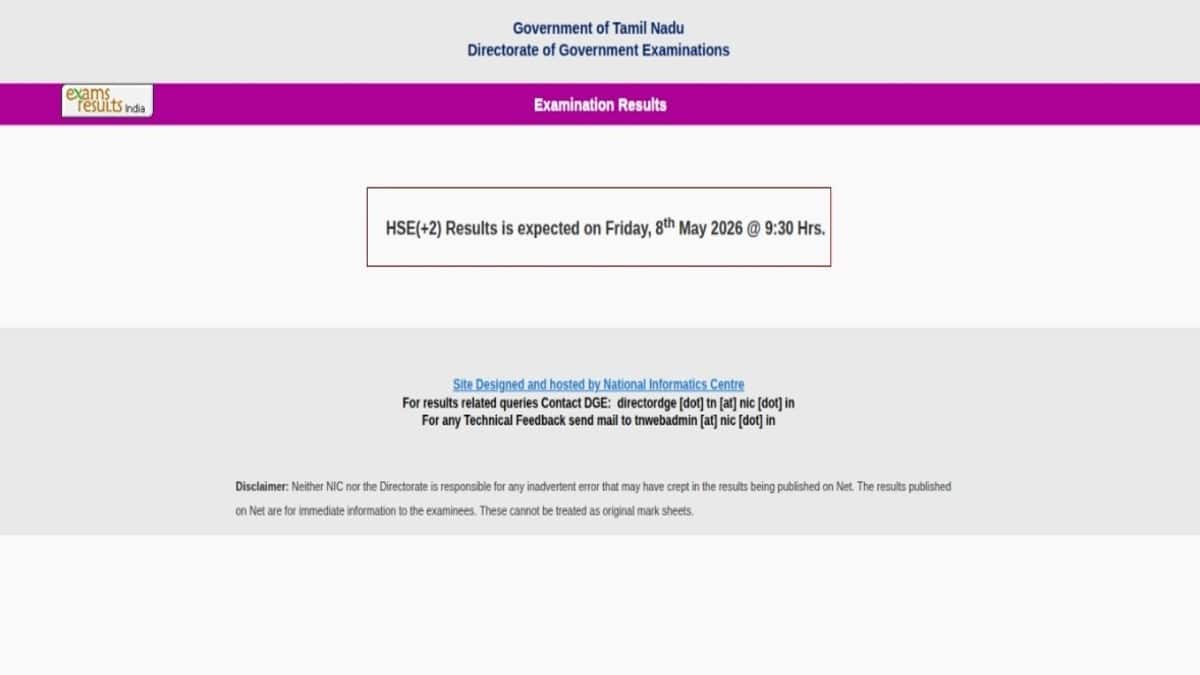
The Directorate of Government Examinations (DGE), Tamil Nadu has declared the TN Class 12 (HSC) results today, May 8. Students who appeared for the higher secondary examinations conducted from March 2 to March 26, 2026 can now access their results online through the official websites, tnresults.nic.in and dge.tn.gov.in. TN 12th Result 2026 Out LIVE.
To view the TN 12th result 2026, candidates must log in using their hall ticket number and date of birth. Apart from the official portals, students can also check their scores through DigiLocker and SMS services.
As per the media reports, over 8 lakh students had appeared for the Tamil Nadu Class 12 board exams this year.
The provisional marksheet available online includes important details such as the student’s name, registration number, parents’ names, photograph, school information, subject-wise marks, total score, and qualifying status. Students are advised to carefully review all details after downloading the scorecard.
TN 12th Result 2026: Steps to check online
Candidates can follow the below steps to check their TN 12th results 2026 through official DGE websites;
- Visit the official result portals like tnresults.nic.in or dge.tn.gov.in; alternative links such as dge1.tn.nic.in or dge2.tn.nic.in may also be used if required.
- Click on the “HSC (+2) Result 2026” link available on the homepage.
- Enter your registration number along with your date of birth in the specified format.
- Submit the details to view your result on the screen.
- Download and save the provisional marksheet for future use, especially for admission purposes.
If students notice any discrepancies in their marksheet, they should immediately report the issue to their respective school authorities for correction.
 Add as a preferred source on google
Follow us for the latest education news on colleges and universities, admission, courses, exams, research, education policies, study abroad and more..
To get in touch, write to us at news@careers360.com.
Next Story
]‘No one wants to speak up’: IIT Ropar PhD student faces smear campaign after reporting assault by professor
IIT Ropar professor placed on forced leave but not suspended, PhD student asked to remove social media posts; campus voices say threats of academic consequences keep victims from speaking out
Sheena SachdevaLatest Education News
]Related News
]CBSE Date Sheet 2027 Live: Class 10, 12 exam dates soon on cbse.gov.in; private candidate form, LOC submission
Board Exam 10th, 12th Time Table 2027 LIVE: RBSE, Andhra Pradesh Class 10, 12 exam dates soon; direct links
‘Teachers know…’: In Chennai govt schools, drugs move through classrooms, playgrounds – unchecked, unreported


