
WBCHSE HS 3rd semester result 2026 out at result.wb.gov.in; overall pass percentage stands at 92.62%
Vishnukumar V | November 27, 2026 | 02:53 PM IST | 1 min read
Students can access their West Bengal Class 12 Semester 3 result 2026 using their examination roll number and registration number.
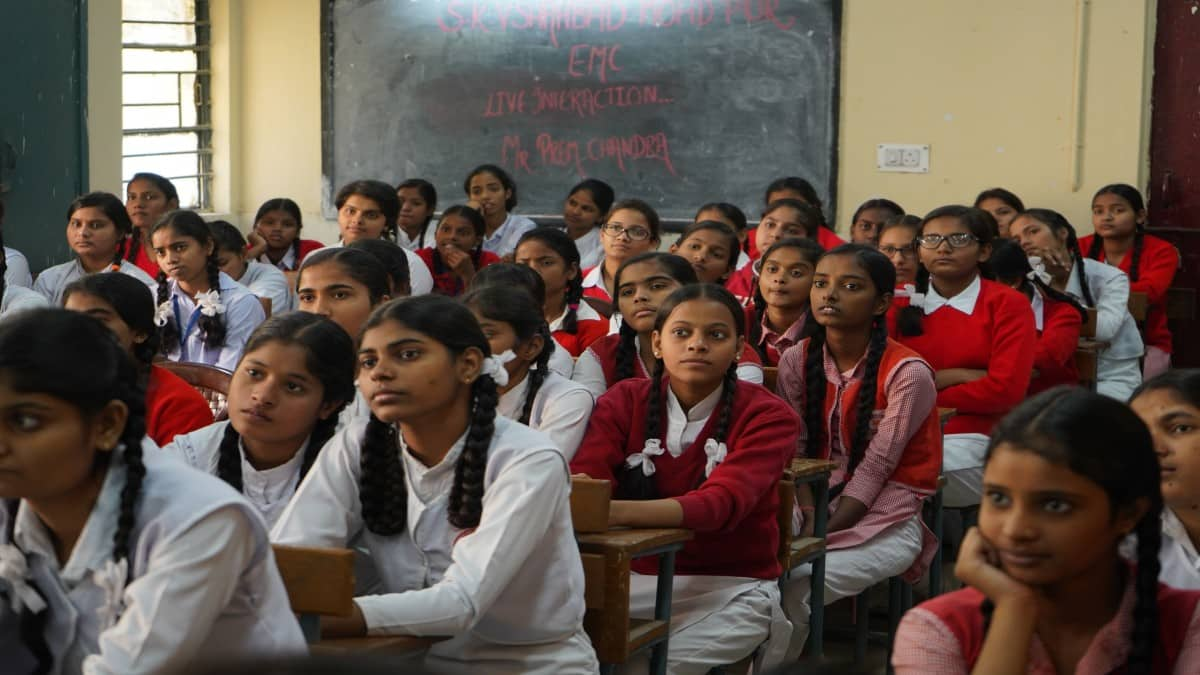
The West Bengal Council of Higher Secondary Education (WBCHSE) has declared the Higher Secondary (HS) 3rd Semester Result 2026-27. Students who appeared for the Class 12 Semester 3 examinations can check and download their results through the official websites, result.wb.gov.in and wbchse.wb.gov.in.
Students can access their WBCHSE 3rd semester result digital marksheets by entering their examination roll number and registration number.
A total of 7,18,467 students appeared for the WBCHSE HS Semester 3 examinations. This includes 3,15,661 male students and 4,02,806 female students. The examinations were conducted at 2,105 venues across 825 centres in West Bengal.
The WBCHSE HS Semester 3 examinations were conducted from September 21 to October 14, 2026. The WB Semester 3 answer key 2026 for all subjects was released on October 15. The online marksheet will provide students with their subject-wise marks and examination details.
Also read Classes Without Textbooks: Delhi Govt school principals scramble for used volumes, photocopies
West Bengal HS Result 2026 Semester 3: Official websites
Students can check their West Bengal HS result 2026 semester 3 through the following websites:
- result.wb.gov.in
- wbchse.wb.gov.in
The council has also provided access through the WBCHSE Results mobile application.
How to check WBCHSE HS 3rd Semester Result 2026-27?
Students can follow these steps to download their West Bengal Class 12 Semester 3 marksheets:
- Visit the official website, result.wb.gov.in.
- Click on the WBCHSE HS Semester 3 Result 2026-27 link.
- Select the Semester System option.
- Enter the examination roll number and registration number.
- Click on the Submit button.
- The WBCHSE HS 3rd Semester result will appear on the screen.
- Check the subject-wise marks and qualifying status.
- Download the provisional marksheet and save it for future reference.
The council has instructed schools to download the consolidated results and hand over the result documents to students with the institution's seal and signature. Students will have to collect their official marksheets through their respective schools.
 Add as a preferred source on google
Follow us for the latest education news on colleges and universities, admission, courses, exams, research, education policies, study abroad and more..
To get in touch, write to us at news@careers360.com.
Next Story
]‘False narratives with no evidence’: West Bengal Christian schools’ body on teacher’s saffron saree row
Christian institutes like St Xavier’s school, Kolkata, Serampore College, Scottish Church, have contributed to state’s education, says West Bengal Association of Christian Schools secretary; seeks names of institutions concerned
Pritha Roy ChoudhuryLatest Education News
]Related News
]WBCHSE HS 3rd Semester Result 2026 LIVE: West Bengal Class 12 results today; direct link, marksheet updates
Bihar designates five DIETs as regional language centres for Maithili, Bhojpuri, Magahi
HBSE Board Exam 2027: Haryana Class 10 papers begin March 4, Class 12 from March 3; subject-wise dates awaited


